04Boğaziçi Savunma Teknolojileri · Long-term internship
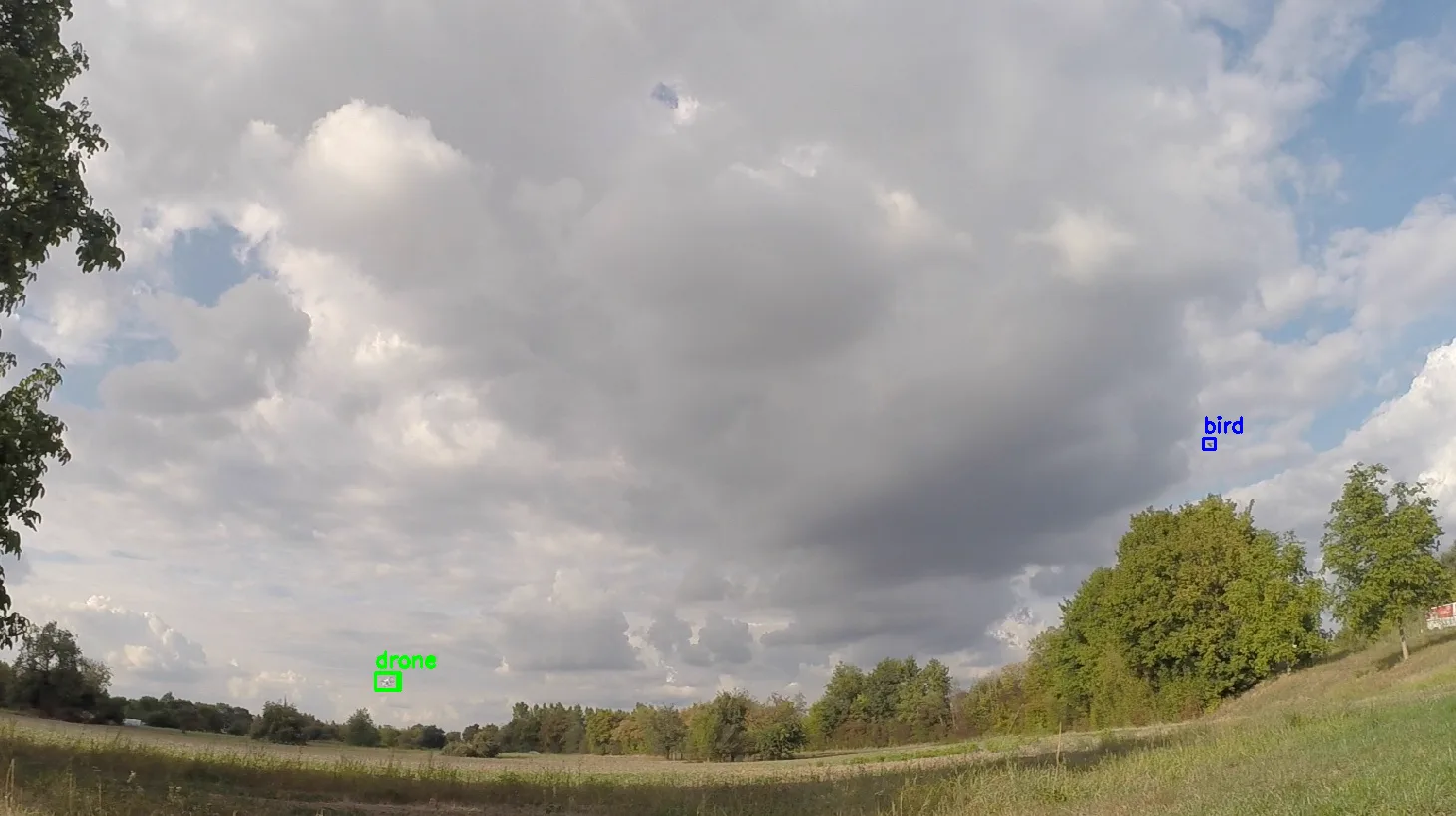
Droneor bird?
A target a few pixels wide in the sky. First catch it, then decide what it is.
- Architecture
- Detection + classification
- Models
- YOLO26m · YOLO11m-cls
- Classes
- Drone · bird · background
- Speed (RTX 3060)
- 12.8 → 26.0 FPS
My contribution
I merged and checked the open-source datasets, trained the detection and classification models, built the two-stage inference pipeline and the desktop interface, and accelerated the pipeline with TensorRT FP16.
01Data
Distant, small and alike.
From a distance, a drone and a bird are both a smudge of a few pixels. I reviewed open-source datasets for label integrity, empty and faulty labels, scenario fit and class balance, and merged them into one set.
The first model trained on it raised false alarms on small targets and busy backgrounds. The WOSDETC / Drone-vs-Bird Challenge dataset was then added under a data usage agreement. The agreement forbids sharing it, so it does not appear on this page.
I used CVAT and Roboflow for labelling. All data passed the same checks before training: image–label pairing, a visual review of the boxes on the images, removing broken files and converting to the YOLO format. Faulty labels went to zero.
| Split | Images | Boxes |
|---|---|---|
| Train | 10,450 | 15,517 |
| Validation | 2,749 | 4,082 |
| Test | 1,356 | 2,013 |
| Total | 14,555 | 21,612 |
10,159 of the boxes are drones and 11,453 birds.
02Architecture
Catch first, then decide.
When one model has to both find and tell apart, small targets slip away or land in the wrong class. The job was split in two.
Once: TensorRT FP16 engines
- Video detection
best_target_640.engine640 × 640 input - Image detection
best_target_960.engine960 × 960 input - Classifier
best_wbg_224.engine224 × 224 input
Every frame
- Read
readOne frame from the video - Detect
det · YOLO26mOne class: target. Catch everything first. - Crop
prepOne crop per box - Classify
cls · YOLO11m-clsDrone, bird or background - Draw
renderBox and class label - Show
displayLive view in the interface - Write
writeRecording the output
The detector puts drones and birds into a single “target” class and concentrates on catching everything that flies. The decision is made in the second stage, by a classifier that sees only that box’s crop: the detector’s high recall and the classifier’s precision meet in one pipeline.
03Error analysis
A third answer: neither.
The first classifier knew only drones and birds. When the detector mistook a patch of sky, the edge of a leaf or a shadow for a target, that crop had no choice but to land in one of the two classes.
I reviewed the detector’s false positives and added them to the classification data as a “background” class. The three-class model can reject those crops; only drones and birds reach the interface.
The report states, from observation in tests, that the two-stage design clearly reduced false alarms, especially birds taken for drones. No separate figure was measured for that reduction.
| What the crop shows | Two classes | Three classes |
|---|---|---|
| Drone | drone | drone |
| Bird | bird | bird |
| Sky, leaf edge, shadow (false detection) | drone or bird | background → rejected |
04Interface
The model, inside an application.

I built a desktop interface that joins the two models in a single flow. An image or a video is loaded; on every frame detection runs first, then classification, and the result appears with its box and class. The interface also shows the live processing rate and the time of each stage.
The window’s top lines
İşlem12.4 fpsHedef25.0 fpsDrone1Bird0crops1frame178
read3.8det27.3prep0.1cls6.1render5.3display2.5write10.1total58.2
Instant values for a single frame. det and cls are the two models, total is the frame’s whole time (ms).
- İşlem
- Frames processed per second
- Hedef
- The real-time target: 25 FPS
- crops
- Crops sent to the classifier
05Optimisation
The target was 25 FPS.
With PyTorch FP16 the pipeline processed 12.8 frames per second: about half the real-time target.
- PyTorch FP16
- 12.8FPS
- TensorRT FP16
- 26.0FPS
I converted both models to TensorRT FP16 engines; an engine is built once and then runs directly on the GPU. The pipeline reached 26.0 FPS. The largest gain was in classification: with 224 × 224 crops processed in a batch, its time fell from 15.4 ms to 2.6 ms.
PyTorch FP1687.0 ms
TensorRT FP1644.8 ms
| Measure | PyTorch FP16 | TensorRT FP16 | Change |
|---|---|---|---|
| Frames per second | 12.8 FPS | 26.0 FPS | ×2.03 |
| Total latency | 87.0 ms | 44.8 ms | −48.5% |
| Detection | 25.2 ms | 18.9 ms | −25.0% |
| Classification | 15.4 ms | 2.6 ms | −83.1% |
| Render | 6.4 ms | 4.4 ms | −31.3% |
| Display | 3.0 ms | 1.9 ms | −36.7% |
| Write | 15.9 ms | 12.5 ms | −21.4% |
A desktop measurement. Accuracy was not compared separately between the two modes. Jetson Orin NX was researched as the target platform; embedded deployment and INT8 are future work.
06The outcome
From a model to a working pipeline.
- 01
Data
Merged and checked open-source datasets, brought into one YOLO structure.
- 02
Two stages
High-recall detection, classification per crop.
- 03
Background class
A third class learned from the detector’s false positives.
- 04
TensorRT FP16
From 12.8 to 26.0 FPS, with stage times measured live in the interface.
A desktop prototype (RTX 3060). The public repository contains the shareable two-stage subsystem; WOSDETC data and company data are not shared.